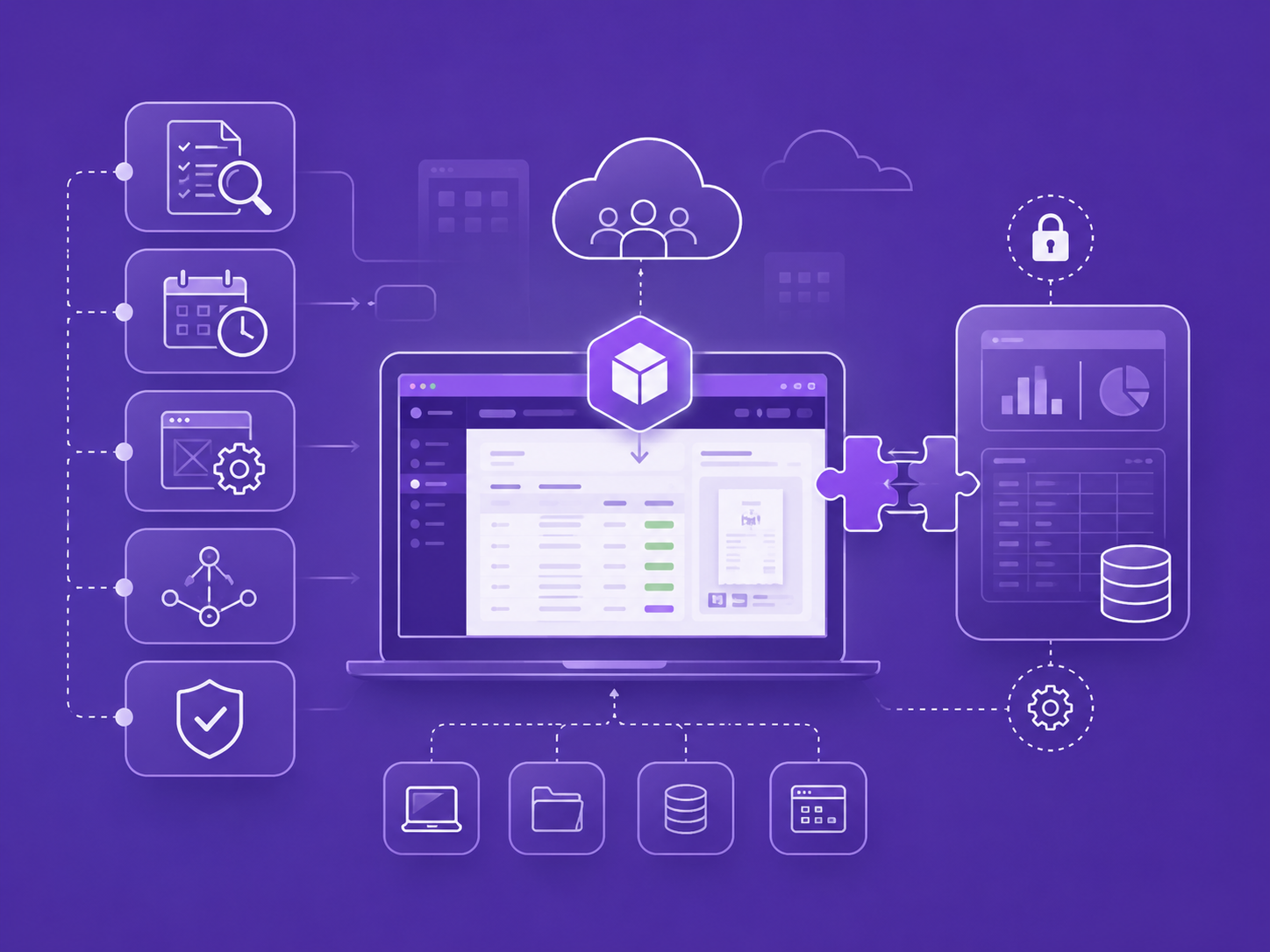
What is Expense Connect?

Expense Connect is a receipt-to-SAP Business One workflow for companies that want more than receipt capture or exported reports.

Employees submit receipts from mobile or desktop. Accounting reviews, validates, and codes the expense details. Approved vouchers can then be posted directly to SAP Business One through a controlled integration layer.

The implementation is configured in the customer's environment, helping keep receipt data, expense records, and review workflows under the customer's control.

Request Fit Review
About Expense Connect

Why Companies Choose Expense Connect

Direct SAP Business One Posting

Expense Connect is designed to continue beyond receipt capture. After accounting review, approved vouchers can post directly to SAP Business One without manual report imports, duplicate entry, or export-based workarounds.

Customer-Controlled Data

Expense Connect is implemented in the customer's environment, helping the organization keep receipt images, expense records, and review workflows under its own control instead of creating a separate external expense-data silo.

Low-Disruption Implementation

Expense Connect is configured around the customer's existing SAP Business One and business software environment. Companies can add receipt automation without changing SAP screens, replacing internal systems, or rebuilding their accounting process.

Receipt Submission and Extraction

Users can submit receipts by photo or upload. Expense details are extracted to speed up accounting review and reduce manual entry.

Accounting Review Workflow

Extract key fields such as date, amount, merchant, card, and tax so accounting can review and correct details before posting.

Cards, Locations, and Coding

Configure cards, users, locations, branches, or departments so receipts can be reviewed and coded against the customer's operating structure.

How It Works

Submit the receipt

Employees submit receipts from mobile or desktop and provide the required expense details.

Extract and organize details

Expense Connect extracts key receipt fields and organizes the information for accounting review.

Accounting reviews and validates

Accounting confirms the merchant, amount, tax, card, location, account coding, and supporting details before anything posts.

Post approved vouchers to SAP Business One

Approved vouchers can post directly to SAP Business One through the configured integration layer, reducing manual imports and duplicate entry.

Implementation Starts With Your Environment

Expense Connect is implemented based on the customer's current environment. Before deployment, we review the customer's SAP Business One setup, Microsoft 365 availability, Power Platform readiness, receipt process, card structure, locations, users, and accounting requirements.

After that review, we estimate the implementation effort. If the customer already has a Microsoft 365 environment, Expense Connect can be deployed into the customer's tenant using the available Microsoft platform components. If the customer does not have a Microsoft 365 environment, we can include Microsoft 365 setup as part of the implementation scope.

The goal is to add receipt automation and SAP posting without requiring changes to SAP Business One screens or the customer's internal business software.

Implementation Review Covers

Expense Connect implementation architecture
  • Environment review before pricing
  • Implementation hours estimated based on customer setup
  • Can deploy into an existing Microsoft 365 tenant
  • Microsoft 365 setup can be included if needed
  • No SAP Business One screen changes required
  • No changes to internal business software required

Request an Expense Connect Fit Review

We'll review your receipt process, SAP Business One environment, Microsoft 365 readiness, and posting requirements. After the review, we can estimate the implementation effort and confirm the best deployment path.

Request Fit Review